Your smartphone screen is the most viewed surface in your daily life, making the choice of wallpaper a primary form of personal expression. Finding a high-quality image is only half the battle; the real challenge lies in selecting an app that offers curated quality and understanding the specific dimensions required for a crisp, distortion-free fit. This guide explores the essential technical standards for mobile displays and the features that define the best wallpaper discovery tools.
The Technical Side of Mobile Backgrounds
To understand why some wallpapers look blurry while others look sharp, you must first understand pixel density and aspect ratio. For years, the standard mobile screen adhered to a 16:9 aspect ratio, but modern smartphones have shifted toward taller, narrower displays. Most current devices now utilize ratios like 19.5:9 or 20:9, which means that older, traditional images may often be cropped or stretched if they aren't properly optimized for vertical viewing.
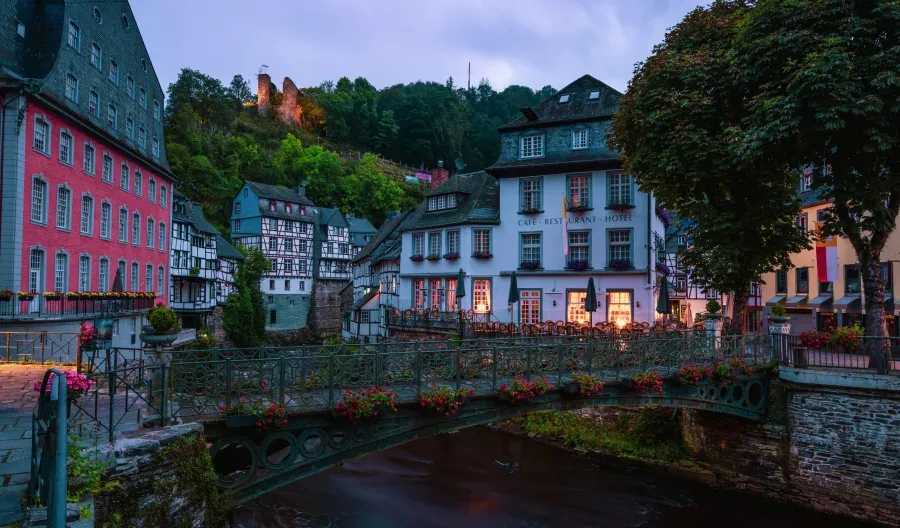
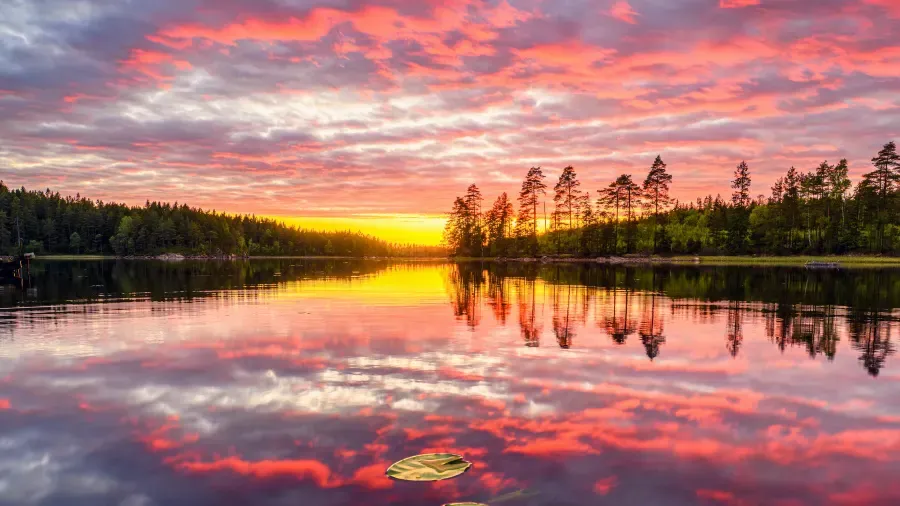
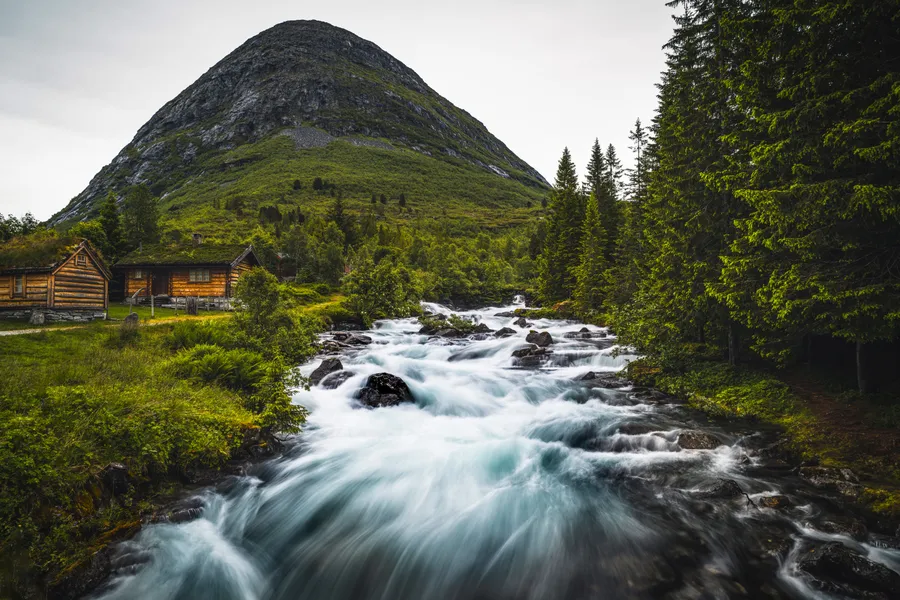
Resolution is equally vital. A screen with a high PPI (pixels per inch) requires an image that matches or exceeds its native resolution. If you apply a 1080p image to a 1440p (QHD) display, the software must upscale the image, which often results in a loss of fine detail and a soft, muddy appearance. When searching for the perfect image, always aim for the highest resolution available to ensure the artwork remains sharp even when you zoom in to adjust the framing. Many users explore the Nature & Landscapes collection specifically because these high-detail images tend to hold up well across various zoom levels and screen densities.
Must-Have Features in Wallpaper Discovery Apps
When looking for an app to source your backgrounds, look beyond the sheer volume of images. The best apps prioritize curation and user experience over quantity. A quality wallpaper app should offer advanced filtering options, allowing you to sort by color, theme, or orientation. This is particularly useful when you are trying to match your background to a specific phone case or a custom icon pack.
Another essential feature is the "Auto-Change" or "Playlist" function. This allows the app to cycle through a selection of your favorite images at set intervals, such as every hour or every day. This keeps your device feeling fresh without requiring manual intervention. Furthermore, look for apps that provide a "Blur" tool or a "Dimming" slider. These small adjustments can make a world of difference in usability; by slightly blurring or darkening a busy image, you can ensure that your app labels and icons remain legible against the background.
Essential Sizes for Modern Smartphones
Standardizing wallpaper sizes is difficult because manufacturers frequently change screen dimensions, but there are several common resolutions that serve as excellent benchmarks. For iPhone users, resolutions generally range from 1170 x 2532 for standard models to 1290 x 2796 for the Pro Max variants. Android devices are even more varied, with many flagship phones utilizing 1440 x 3200 for a crisp, high-definition experience.
Pro tip: When downloading a wallpaper, always choose a version slightly larger than your screen's native resolution. This provides extra "padding" for the parallax effect, where the wallpaper moves slightly as you tilt your phone, without exposing the edges of the image.
If you are unsure of your exact screen size, a safe bet is to look for images labeled as "4K Vertical" or "UHD Mobile." These are typically 2160 x 3840 pixels, which is more than enough to cover any modern smartphone display. Using a larger image allows you to crop the most interesting part of the composition to fit your specific screen without sacrificing any clarity.
Why Theme Matters: From AMOLED to Gaming
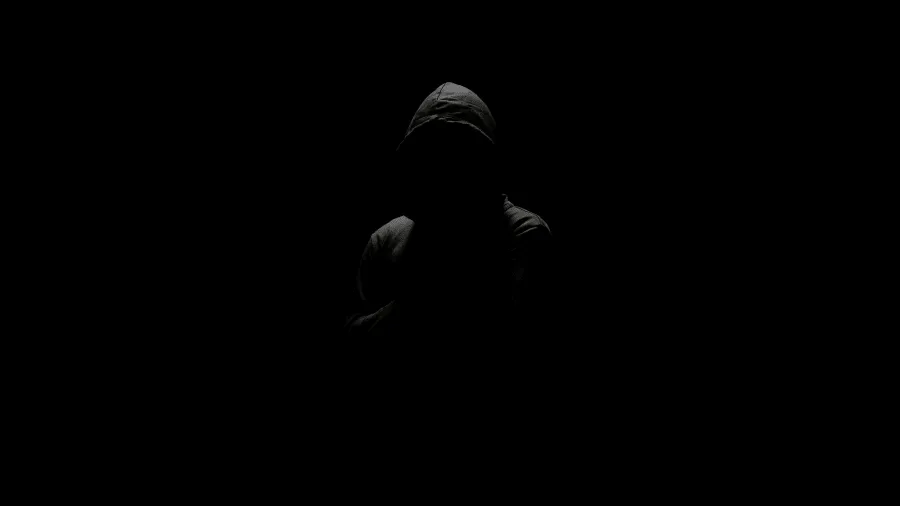
Different display technologies benefit from different styles of imagery. For those with OLED or AMOLED screens, the choice of wallpaper can actually impact the visual depth of the display. Since these screens turn off individual pixels to represent true black, using a dedicated AMOLED & Dark gallery can create a striking contrast where the subject of the image appears to float on the glass. This aesthetic is not only visually impressive but is often preferred by users who find bright, white backgrounds too taxing on the eyes during night use.
On the other hand, the theme of your wallpaper often reflects your hobbies or interests. For instance, many users enjoy the vibrant, high-energy aesthetics found in the latest Gaming backgrounds. These images often feature high-contrast lighting and neon accents that pop beautifully on modern high-refresh-rate screens. Whether you prefer the serenity of a forest or the technical detail of a digital cityscape, the theme sets the mood for every time you unlock your device.
Perfecting the Fit: Composition and Layout
The most beautiful image in the world can fail as a wallpaper if the composition doesn't account for the user interface. Most mobile home screens are cluttered with icons, widgets, and the search bar. When selecting an image, look for "negative space"—areas of the image that are relatively simple or out of focus. This is where your icons should sit. An image with a very busy center will make it difficult to read your app names and can lead to visual fatigue.
Consider the placement of the subject matter as well. For lock screens, you want the primary subject to be in the center or the lower third, so it isn't obscured by the clock or notification banners. For the home screen, subjects that sit on the left or right side of the frame often work better, as they allow the middle of the screen to remain clear for your most-used applications. Taking a few seconds to preview how an image interacts with your layout can transform a good wallpaper into a perfect one.
FAQ
Does using a high-resolution wallpaper drain more battery?
The resolution of the image itself has a negligible impact on battery life. However, the brightness and color of the wallpaper do matter on OLED/AMOLED screens. Darker wallpapers require less power because the pixels are dimmed or turned off entirely. On traditional LCD screens, the battery drain is the same regardless of the image color, as the backlight is always on.
What is the difference between aspect ratio and resolution?
Aspect ratio refers to the proportional relationship between the width and the height of the screen (such as 19.5:9). Resolution refers to the actual number of pixels across those dimensions (such as 1170 x 2532). You need an image that matches the aspect ratio so it doesn't get awkwardly cropped, and a resolution high enough that the pixels aren't visible to the naked eye.
Can I use a desktop wallpaper on my phone?
You can, but it is not recommended without editing. Desktop wallpapers are horizontal (landscape), while phones are vertical (portrait). If you use a desktop image, you will be forced to crop out about 70% of the picture to make it fit the narrow frame of a mobile screen, which often ruins the original composition of the artwork.